WEBSITE
TRAINING
Welcome to the Business Builders training page! Getting familiar with your new website can be intimidating! Here you will find beginning instructions, training videos, tips, and points to remember for your new site all on one page.

Have peace of mind! Always remember that backups of your site are taken every night.
This is good news because if you happen to make some updates or get a little too wild with your clicking around (we all do it eventually) and need to undo the changes, then we can revert your site to the last backup taken. Typically, backups are taken every night.*
* Keep in mind that ALL changes that were made since the time of the last backup will be lost.
Three Simple Steps to Get Started
Follow these steps to become familiar with your website's backend and learn how to make updates effectively.
LOG IN TO YOUR SITE
First things first! You have to log in to your site.
You should receive credentials to your site from your project manager. If you have not received that access yet, then email us so we can get your credentials over to you.
(The login screen will look like the screenshot to the right and the URL bar will show: yoursitename.com/wp-admin)
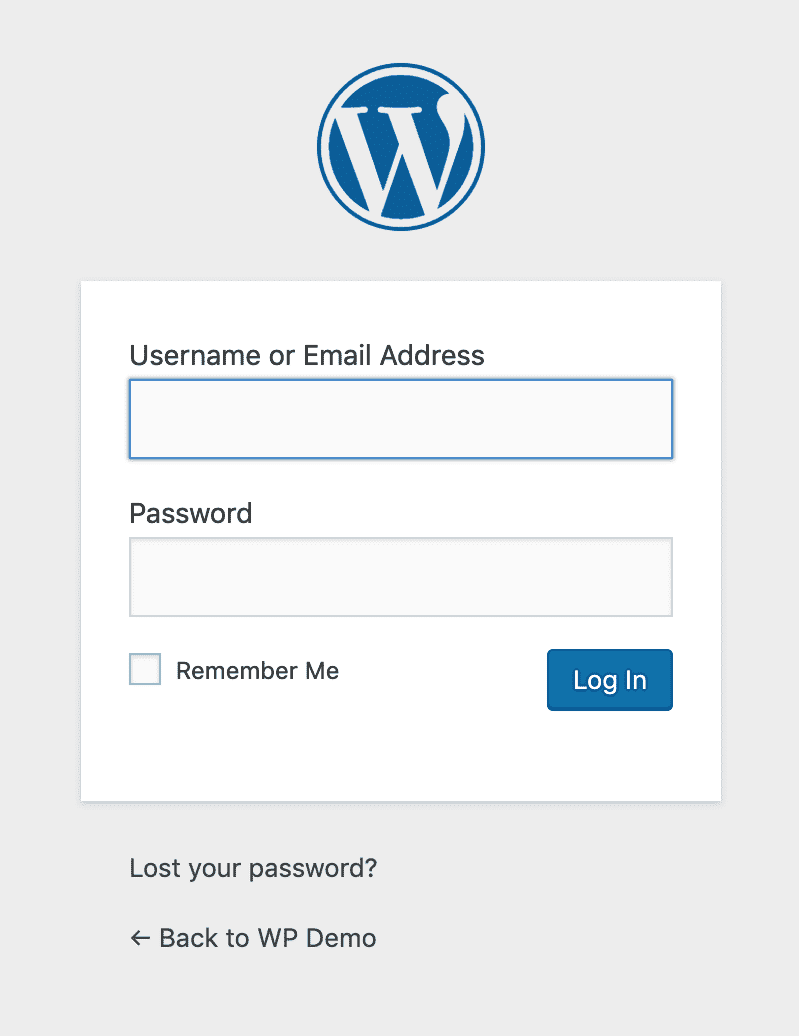
WordPress login screen (yoursitename.com/wp-admin)
GET FAMILIAR WITH WORDPRESS
It's time to get familiar with your site! WordPress is the platform that we used to build your site.
Below is a video to help you to get familiar with a general WordPress website backend. Understanding the dashboard is key to managing your content effectively.
WordPress dashboard training video
LEARN ELEMENTOR PAGE BUILDER
Here is some training for you! Elementor is the page builder we use to design and build the pages on your website.
Here is a quick overview of commonly used Elementor features that will help you make updates and customizations to your website.
Elementor page builder training video
WordPress Areas to Know
Here are some of the areas of your WordPress site that you may want to get familiar with:
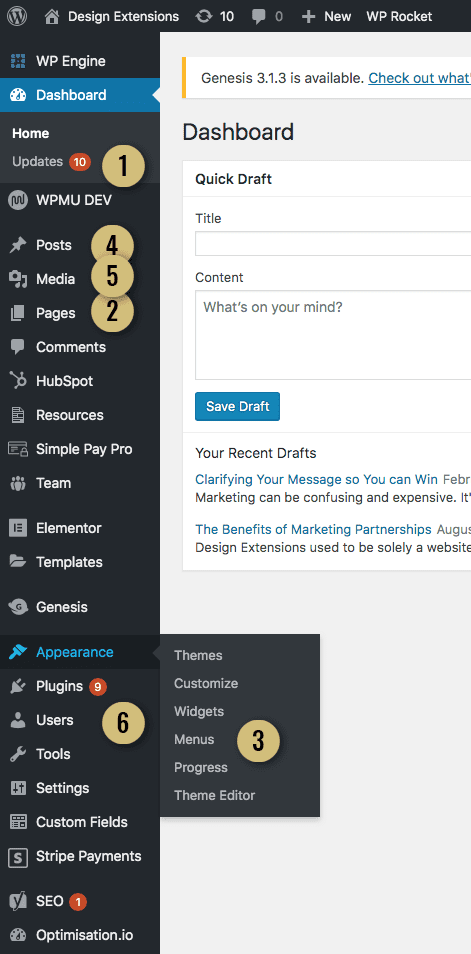
Here are some of the areas of your WordPress site that
you may want to get familiar with:
Looking for help with something specific?
You can contact our support team with any questions or check out our support documents to see if the answer to your question has already been answered.
Expert Support Team
Our experienced team is here to help you get the most out of your website. Whether you need training, troubleshooting, or custom updates.